Key Takeaways
- Cyber Essentials scope is the networks, hardware, software and cloud services included in your assessment, agreed with your certification body before it begins.
- The default is your whole IT infrastructure. A sub-set is allowed only where it is segregated from the rest by a firewall or VLAN, and you must justify the partial scope to your assessor.
- Cloud services cannot be excluded from scope; a scope without end-user devices is not acceptable, and personal devices that access organisational data or services are included.
- A partial scope is named on your certificate instead of “whole organisation”. Some buyers will not accept it, and the included cyber insurance is available to eligible organisations only.
Cyber Essentials, the minimum standard of cyber security, uses scope to define the boundary of your assessment: which networks, devices, software and cloud services the five controls are checked against. The NCSC’s default is the whole of the IT infrastructure used to run your organisation, although a smaller Cyber Essentials scope can be agreed with your certification body if it is a genuinely segregated sub-set behind a firewall or VLAN.
For organisations seeking certification, and for the people defining, managing or assessing that boundary, this guide explains when a sub-set is allowed, what assets stay in scope by default, how segregation is verified at Cyber Essentials Plus, how to write the scope down, and the common scoping mistakes that cause problems with assessors, customers and insurers. Scope sets everything else: what you have to fix, what it costs, how credible the certificate looks, and whether it meets the requirements of the customer who asked for it.
What does scope mean in Cyber Essentials?
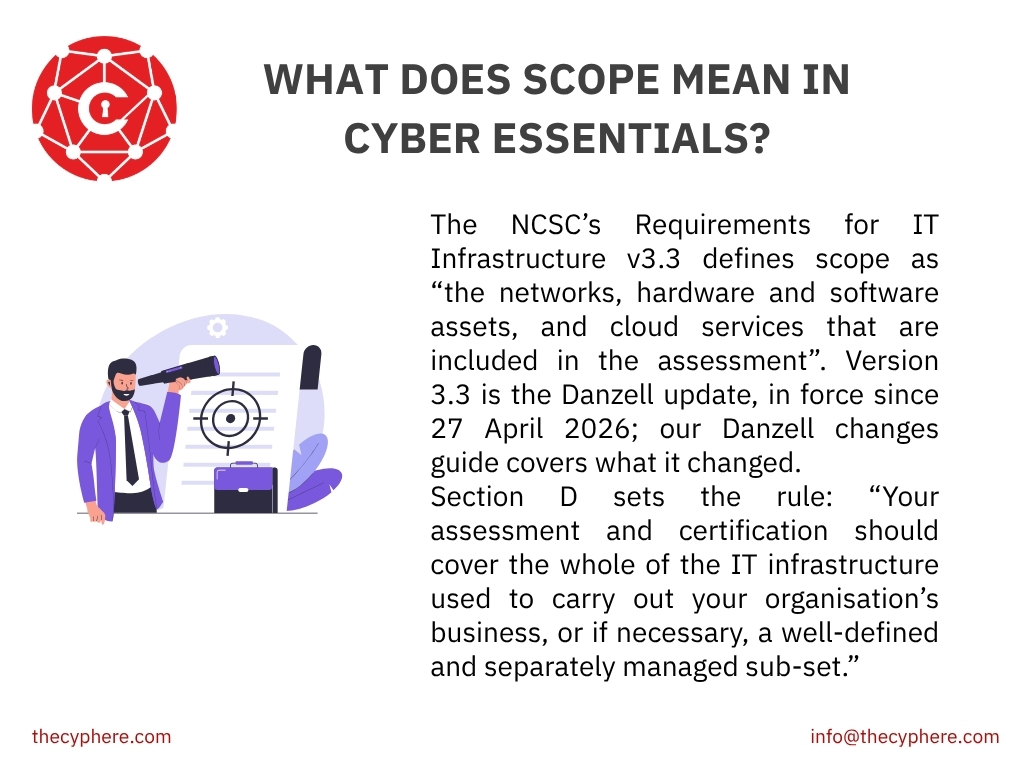
The NCSC’s Requirements for IT Infrastructure v3.3 defines scope as “the networks, hardware and software assets, and cloud services that are included in the assessment”. Version 3.3 is the Danzell update, in force since 27 April 2026; our Danzell changes guide covers what it changed.
Section D sets the rule: “Your assessment and certification should cover the whole of the IT infrastructure used to carry out your organisation’s business, or if necessary, a well-defined and separately managed sub-set.” Either way, you must define the boundary by “the business unit managing it, the network boundary and physical location”, and agree it with your certification body before the assessment begins.
Within the boundary, the requirements apply to every device and piece of software that, in the NCSC’s words:
- “Can accept incoming network connections from internet-connected devices”
- “Can establish outbound connections to devices via the internet”
- “Control the flow of data between any of the above devices and the internet”
In a modern estate, that is almost everything. Two further rules close the old arguments: “A scope that doesn’t include end-user devices isn’t acceptable”, and “Cloud services cannot be excluded from scope.”
Whole organisation or sub-set?
Whole organisation means every site, device, user and cloud service used to run the business. It is the default, and the NCSC is direct about why: “Organisations that choose a scope which includes their whole IT infrastructure achieve the best protection and maximise their customers’ confidence.”
A sub-set is “part of the organisation whose network is segregated from the rest of the organisation by a firewall or VLAN”. That definition is the whole test; a department on its own does not qualify. A sub-set “can be used to define what is in scope or what is out of scope”, and either way “you will need to justify the reason for a partial scope to your assessor”.
Whole organisation | Sub-set | |
Remediation effort | Higher: everything must meet the requirements | Lower, but only inside the boundary |
On your certificate | Whole organisation | The sub-set is named; exclusions are recorded by the assessor, not published |
Buyer acceptance | Universal | Some buyers reject partial scope |
Insurance eligibility | Eligible, subject to the other conditions | Not eligible: the included insurance requires the entire organisation to be certified [HD CONFIRM: insurance eligibility conditions] |
Ongoing effort | One boundary to maintain | Segregation must stay intact and be re-evidenced each year |
A sub-set makes sense when the part you want to certify is already segregated and what sits outside does not need to be inside.
Shared identity catches people out. Segregating a network does not segregate a Microsoft 365 tenancy. If users inside your sub-set sign into the same cloud services as everyone else, those services are in scope, and so is the account management around them.
One use of a sub-set is named explicitly. Unsupported software must “be removed from devices when it becomes unsupported, or removed from scope by using a defined sub-set that prevents all traffic to or from the internet”. Filtered traffic is not enough; the sub-set has to block all internet traffic in both directions, and it should be technically a network segmentation with restricted Internet access or with a firewall separation.
In our assessments, the sub-set we talk people out of most is the one drawn to avoid a single awkward system that is in daily use: it saves a few weeks now and costs credibility later, because the partial scope is visible on the certificate.
What segregation will be accepted during a Cyber Essentials assessment?
Whichever mechanism you use, the segregation has to be enforced and demonstrable. An assessor is looking for:
- An enforced boundary, with firewall rules or VLAN configuration you can produce, not a diagram
- Default deny between the two sides, with any permitted traffic documented and justified
- No shared administrative access bridging the boundary, such as a jump host reaching both sides
- No bridging devices: a laptop on both networks, a printer on both VLANs, a wireless network reachable from either side
- For a sub-set holding unsupported systems, evidence that no internet traffic is possible either way
How is scope verified at Cyber Essentials Plus?
At the basic level you declare your scope and the assessor reviews it; at Cyber Essentials Plus it is tested, and it cannot be narrowed.
The NCSC’s Test Specification v3.2 requires the assessor, before testing starts, to have “verified that the scope of the Cyber Essentials Plus assessment matches the scope described by the valid Cyber Essentials self-assessment certificate” and that “any sub-sets have been segregated effectively”. A paper sub-set is found here; our Cyber Essentials Plus requirements guide covers the verification and sampling.
What is in scope by default?
Item | In scope? | Condition |
End user devices (desktop computers, laptops, thin clients, tablets and smartphones, physical or virtual) | Yes | A scope that excludes end user devices is not acceptable |
Servers, including virtual machines servers and hypervisors | Yes | Where they provide organisational data or services |
Boundary firewalls, routers and VPN gateways | Yes | They control the flow of data between your devices and the internet |
Cloud services (IaaS, PaaS, SaaS) | Yes, always | Cannot be excluded from scope |
Personal devices accessing organisational data or services | Yes | Unless used only for native voice, native text or MFA apps |
Home and remote working devices | Yes | Corporate or BYOD, both in scope |
A router you supplied to a home worker | Yes | Other home routers are out, so use a software firewall on the device |
Wireless access points | Yes, if reachable via the internet | Out where an attacker could only attack within signal range, or where part of an ISP router at a home location |
Accounts your organisation owns, used by a third party or MSP | Yes | You must be able to confirm the controls are met |
Devices your organisation owns and loans to a third party | Yes | |
An MSP administrator’s, contractor’s, customer’s or student’s own device | No | |
A volunteer’s, trustee’s or university research assistant’s own device | Yes | Treated like an employee’s BYOD |
Commercial web applications you use | Yes, by default | Bespoke and custom components of web applications are out |
Source: NCSC Requirements for IT Infrastructure v3.3, Section D and Table 2.
Home working over a corporate VPN
Where home workers connect over a corporate VPN, “their internet boundary is on the company firewall or virtual/cloud firewall”. That only holds for a VPN you control: “You must administer the VPN so that you can apply the firewall controls”.
Cloud services
Version 3.3 defines a cloud service as “an on-demand, scalable service, hosted on shared infrastructure, and accessible via the internet”, which “will be accessed via an account (which may be credentials issued by your organisation, or an email address used for business purposes), and will store or process data for your organisation”. That definition catches free accounts opened with a work email address.
The NCSC recognises three types: IaaS, where the provider delivers virtual servers and network equipment you configure (Amazon EC2, Google Compute Engine); PaaS, where the provider manages the infrastructure, and you provide the applications (Azure Web Apps, AWS Lambda); and SaaS, where the provider delivers the application, and you configure it (Microsoft 365, Dropbox, Gmail).
You are “always responsible for ensuring all controls are implemented”, although the provider carries out some of them; the table of who implements which control is in our Cyber Essentials certification requirements guide.
Where the provider implements a control for you, “you must make sure that the cloud provider has committed to implementing this via contractual clauses or documents referenced by contract, such as security statements or privacy statements”, typically published in the provider’s trust centre under a shared responsibility model.
Out of scope does not mean unmanaged access control in Cyber Essentials
Where a contractor’s, customer’s or MSP administrator’s own device is out of scope, “your organisation is still responsible for confirming that the devices interacting with organisational services and data are configured correctly”. Our BYOD guide covers what each personal device needs.
How do you work out your scope?
The NCSC’s order is to “establish the boundary of scope for your organisation, and then determine what is in scope within this boundary”. The scopes that go smoothly are built from an up-to-date asset list; the NCSC notes that “asset management isn’t a specific Cyber Essentials control, but effective asset management can help meet all five controls”.
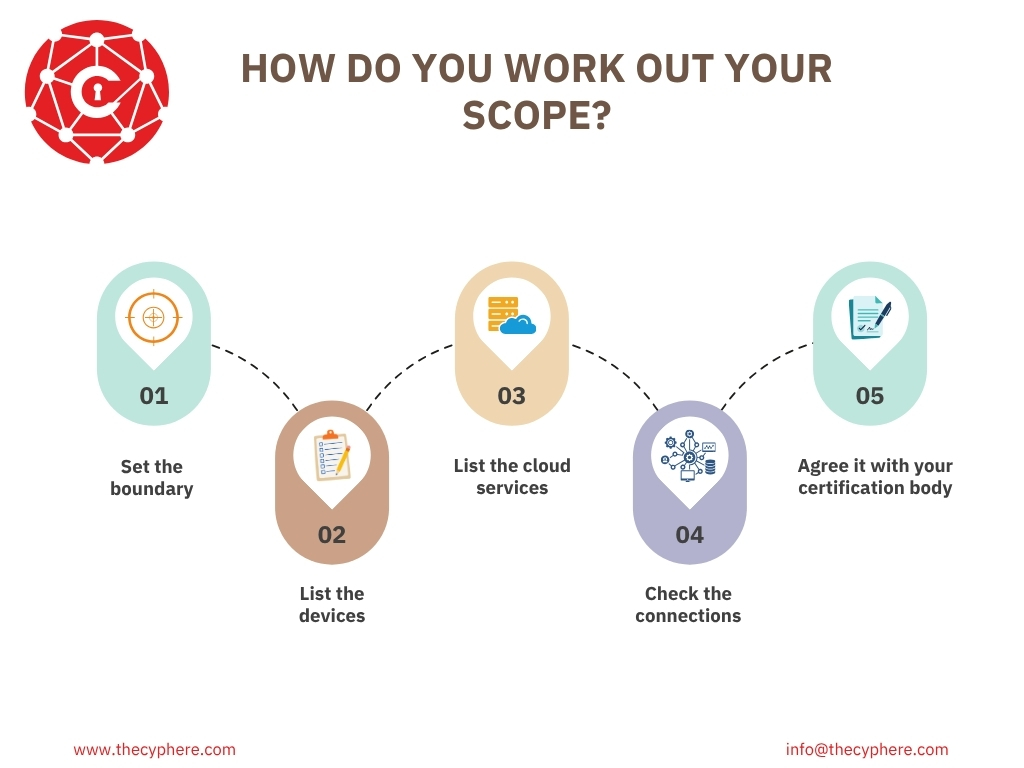
- Set the boundary: whole organisation or a sub-set, with the business unit, network boundary and physical location or multiple locations named.
- List the devices: company laptops, desktops, phones, tablets and servers, plus personal devices that reach work email or files.
- List the cloud services: every service that stores or processes your data.
- Check the connections: home workers, routers you supply, VPNs, wireless networks and the accounts your IT provider uses.
- Agree it with your certification body before you start the self-assessment, and again at each renewal.
What does a good scope statement look like? Four examples
Each of these gives the three Section D descriptors at the level of detail an assessor is looking for. A sole trader’s scope is the same exercise with a shorter list, which is where example 1 starts.
1. Sole trader, professional services
The scope covers the whole organisation: one director, one Windows 11 laptop and one iOS phone, both used for business. The organisation operates from a single home-based office in Greater Manchester and does not supply the internet router, so a software firewall is used on the laptop. Cloud services in scope are Microsoft 365, Xero and Dropbox Business.
This works because it names every device and cloud service and settles the router position.
2. Small business, 15 staff, cloud-first
The scope covers the whole organisation. Fifteen users operate 15 company-owned laptops and 6 company-owned mobile devices, all managed through Microsoft Intune (mobile device management solution), from a single leased office in Manchester with a company-managed firewall. Four staff work from home on the same laptops, protected by software firewalls because the company does not supply their home routers. Cloud services in scope are Microsoft 365, HubSpot, Xero and AWS (one production account).
This works because headcount, device counts, management method, sites, cloud inventory and home working are all stated.
3. Sixty staff, hybrid, with a segregated OT network
The scope covers the organisation except the production control network, which is defined as an out-of-scope sub-set. The in-scope environment covers the corporate business unit: 60 users, company-owned Windows laptops and Android phones, two on-premises servers, and cloud services Microsoft 365, Salesforce and Azure, across offices in Warrington and Leeds.
The production control network at the Warrington site is segregated by a dedicated firewall with default-deny rules in both directions, has no internet connectivity, and shares no user accounts or administrative access with the corporate environment.
This works because the exclusion is named and the boundary is technical and testable. Because part of the estate is excluded, the certificate will not say whole organisation.
4. Multi-entity group certifying one trading company
The scope covers [Trading Company Ltd] only, as a sub-set of the [Group] estate. The business unit is the UK consultancy division, comprising 24 users at the Manchester office.
The network boundary is a dedicated VLAN with its own firewall rules, with no permitted traffic to other group networks. [Trading Company Ltd] operates its own Microsoft 365 tenancy and its own administrative accounts; no group IT administrator holds access to in-scope systems.
This works because it names the legal entity, the VLAN boundary and the separate tenancy, and answers the administrative access question up front.
From the assessor’s desk
A good scope statement answers my questions before I ask them: who, where, which network, which devices, which cloud services, and what is excluded and why. A vague one generates a round of emails. Four specific sentences are better than a page of general description.
Harman Singh, IASME-licensed Cyber Essentials assessor, Cyphere
Common scoping errors
The scoping errors we see most are the cloud tail (a SaaS tool one team signed up for), personal devices with work email left out, outsourced IT treated as out of scope, and a scope that changed during the year without the certification body being told. Our guide on why organisations fail Cyber Essentials covers the other causes.
How Cyphere scopes an engagement?
Our scoping starts with three questions: which legal entity, which locations, and which cloud services hold your data. Then we go through devices one by one, which is where the forgotten ones turn up.
Most scopes change during that conversation, usually by getting bigger, and that is a good outcome: the gaps are found by us rather than by the assessor at audit. We agree the boundary in writing before anything is submitted. Talk to an IASME-licensed assessor
Cyber Essentials scope FAQs
Can we certify one office or one department rather than the whole organisation?
Only if that part is segregated from the rest by a firewall or VLAN and you can justify the partial scope to your assessor; a department in a different room does not qualify. The certificate then names the sub-set rather than “whole organisation”.
Are cloud services always in scope?
Yes. Version 3.3 states that cloud services cannot be excluded from scope, and that covers IaaS, PaaS and SaaS, including any service accessed with a business email address.
Is our IT provider or MSP in scope?
The accounts your organisation owns are in scope even when your MSP uses them, and you must be able to show the controls are met. The MSP administrator’s own device is out of scope under Table 2.
Is software we develop in-house in scope?
Bespoke and custom components of web applications are out of scope; publicly available commercial web applications you use are in by default. The NCSC points in-house developers to the Software Security Code of Practice instead.
Can we exclude an unsupported server by putting it in a sub-set?
Yes, that is the mechanism the scheme provides, but the sub-set has to block all internet traffic in both directions, not merely restrict it. If the system needs internet connectivity to do its job, it has to be replaced or upgraded instead.
Related Cyber Essentials guides
- Cyber Essentials requirements: the five controls in detail
- Cyber Essentials BYOD requirements: personal devices, mobiles and home working
- Cyber Essentials Plus requirements: how scope is verified at audit
- Cyber Essentials checklist
- Supported operating systems
- Why organisations fail Cyber Essentials
- 2026 Danzell changes
- Cyber Essentials self-assessment: where your scope is declared