Key Takeaways
- A personal device that accesses organisational data or services is in scope for Cyber Essentials. Ownership does not decide it; access does.
- The one exception: a device used only for native voice calls, native text messages or multi-factor authentication (MFA) apps is out of scope.
- In-scope personal devices meet the same controls as company devices; there is no reduced standard. The Firewalls control does not apply to phones and tablets, and a personal laptop meets it with its own software firewall, because home routers you did not supply are out of scope.
- Mobile device management (MDM) is not required by the scheme. It is the easiest way to evidence the controls, not the only one, and neither a work profile nor a virtual desktop takes the device out of scope.
Bring your own device (BYOD) is where Cyber Essentials gets uncomfortable, because the honest answer to “is my personal phone in scope?” is usually yes. If a personal phone, tablet or laptop reads work email, opens Teams or signs in to any cloud service your organisation uses, it is in scope and must meet the same controls as a company-owned device.
This page covers the NCSC’s BYOD rule and its one exception, whose personal devices count, what each control means on a personal phone or laptop, MDM against work profiles and virtual desktops, home working, and what happens in the Plus sample. It is for IT managers and business owners whose staff use their own devices, and for charities where volunteers and trustees do the same.
Under the April 2026 requirements (v3.3, known as Danzell), unsupported software, a cloud service without MFA, and high or critical updates not applied within 14 days are automatic fails, and personal devices are where the first and third are hardest to control, because nobody in IT chose the phone or the apps on it.
Is a personal device in scope for Cyber Essentials certification?
The NCSC sets the rule in Cyber Essentials: Requirements for IT Infrastructure v3.3: “In addition to mobile or remote devices owned by the organisation, user-owned devices which access organisational data or services (as defined above) are in scope.”
Both terms are defined in the same document, and the definitions are broad:
- Organisational data “includes any electronic data belonging to your organisation, for example, emails, documents, database data, financial data”.
- Organisational service covers software applications, cloud applications, cloud services, user-interactive desktops and MDM solutions your organisation owns or subscribes to. The NCSC’s own examples include Microsoft 365, Google Workspace, MDM containers, Citrix Desktop and virtual desktop solutions.
So the test is not whether the device is managed, on the company network or issued by anyone. The test is whether it reaches your data or your services. How the rest of the scope is drawn, whole organisation or sub-set, is covered in our Cyber Essentials scope guide.
The only exception
v3.3 puts “mobile or remote devices used only for the purpose of” three things out of scope: “native voice applications”, “native text applications” and “multi-factor authentication (MFA) applications”. A phone that receives your MFA push notifications and nothing else is out. Add work email and it is in.
Six worked examples
Situation | In scope? | Why |
Personal laptop used to check Outlook on the web at home | Yes | Accessing organisational data |
Own phone with the Teams app signed in | Yes | Accessing an organisational service |
Home PC connecting to the company VPN | Yes | Reaching organisational data and services |
Personal tablet used to open the CRM | Yes | Organisational service |
Personal phone running only the Microsoft Authenticator app | No | MFA application only |
Personal phone receiving forwarded work calls, nothing else | No | Native voice only |
The pattern people miss is the first one. Browser-based access from a personal machine counts even though nothing is installed, because the email it shows is organisational data.
Whose personal devices count?
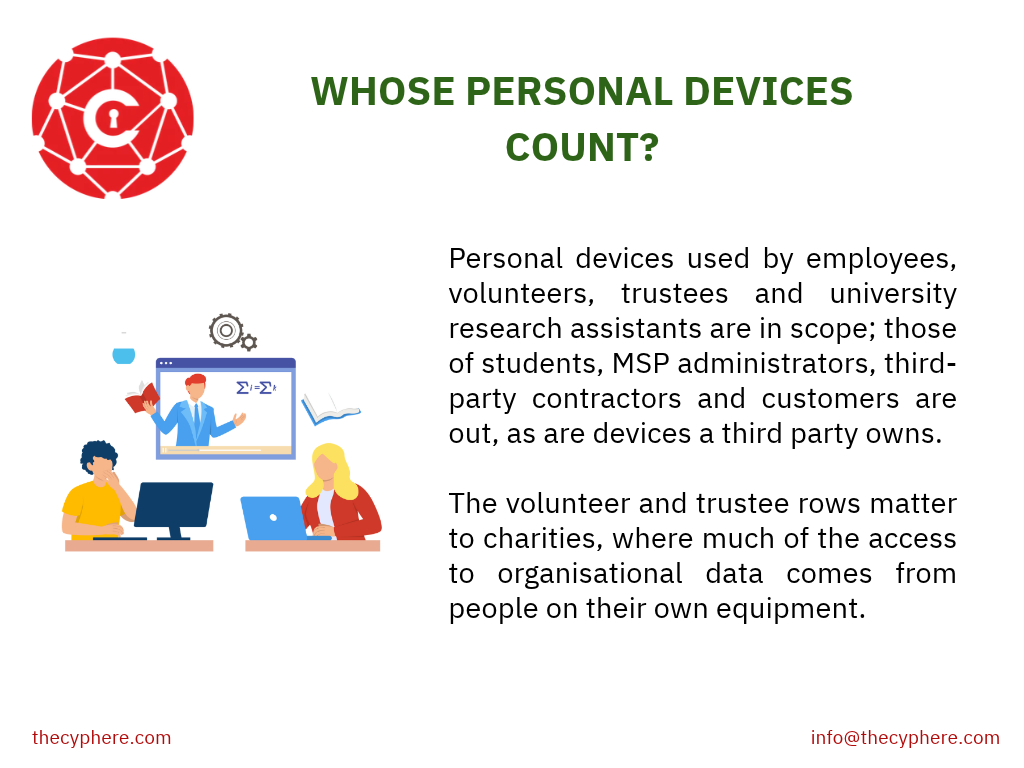
Table 2 of v3.3 covers devices your organisation does not own. Personal devices used by employees, volunteers, trustees and university research assistants are in scope; those of students, MSP administrators, third-party contractors and customers are out, as are devices a third party owns. The volunteer and trustee rows matter to charities, where much of the access to organisational data comes from people on their own equipment.
Out of scope does not mean unmanaged: v3.3 still makes you responsible for confirming that those devices are configured correctly when they interact with your services and data. Our Cyber Essentials scope guide has the full table, including the accounts your MSP uses.
What must a personal phone or laptop have?
The same controls as any other in-scope device; there is no reduced standard for personal hardware. Our requirements guide covers each control in full; this is what each one means on a device you do not own.
Requirement | What it means on a personal device |
|---|---|
Supported operating system | The OS and all software on it must be licensed and still receive vendor security updates; only vendor-supported software is acceptable for compliance. An old Android release, an iPhone past its support life or a home laptop on an operating system the vendor has stopped supporting cannot be used for work; end-of-life software fails Cyber Essentials compliance. Our supported operating systems list has the dates |
Updates within 14 days | Automatic updates enabled where possible, and high or critical security updates applied within 14 days of release. v3.3 applies this to “all software on in-scope devices”, not only the work apps, including browser extensions |
Secure configuration | Unnecessary software and accounts removed, default passwords changed, auto-run disabled, and unused services turned off; the friction on personal devices is that the owner’s personal apps are not yours to remove, so focus on the work environment you rely on |
Screen lock | A biometric, password or PIN before use, protected by throttling (no more than 10 guesses in 5 minutes) or lockout after no more than 10 failed attempts, or the vendor’s default where neither can be configured. A PIN or password used only to unlock the device must be at least 6 characters, with no vendor-default let-out, so a 4-digit PIN does not pass |
Malware protection | Anti-malware software is an option only on Windows and macOS; application allow listing is an option on any device. On phones, tablets and other operating systems that means allow listing: apps from the official store only, restricted by code signing |
Software firewall | Laptops and desktops only; see home working below. The firewall control does not apply to phones or tablets, which are covered by the other four controls |
MFA | Multi-factor authentication on every cloud service the device reaches |
Separate admin accounts | Everyday work must not be done from user accounts with elevated rights; administrative accounts should be separate and used only when needed |
Account removal | A way to remove access when someone leaves or replaces the device |
Encryption is not on that list. It is sensible on any device holding work data, and some customer contracts ask for it, but a personal device will not fail Cyber Essentials for lacking it.
The hardest part on personal hardware is evidential, not technical: you have to show the assessor each control is in place on a device you do not own and cannot inspect on demand.
From the assessor’s desk
The most common contradiction we see is a submission that says no personal devices are used, next to an MFA answer describing staff approving sign-ins on their own phones with work email installed. Both cannot be true. Be upfront about BYOD early; it is far easier to scope than to explain later.
Harman Singh, IASME-licensed Cyber Essentials assessor, Cyphere
MDM, work profiles or virtual desktops: which approach?
Mobile device management is not a Cyber Essentials requirement. The scheme names the controls, not the tooling. But MDM, with conditional access on your cloud services, is by some distance the easiest way to satisfy an assessor, because it turns “we ask staff to keep their phones updated” into a compliance report.
With MDM, you enforce and evidence the OS version, update state, screen lock and app policy centrally, and remove access when someone leaves. Enrolling a personal device in full management is a conversation with the individual, and some will decline. Full enrolment may let you wipe corporate data or, in some setups, the entire device, so organisations should obtain written employee consent before management is applied to personal devices.
With a work profile or container, work data is separated from personal data on the same device. The organisation manages its side and cannot see the rest, which is the compromise most organisations land on for Android and iOS. As a lighter-touch option, mobile application management can manage only work apps rather than the whole device. v3.3 lists MDM containers as an organisational service, so a phone with a work profile is in scope.
With a virtual desktop (VDI), staff reach work through a hosted desktop, so organisational data stays off the device. Under v3.3, a user-interactive virtual desktop is itself an organisational service, so the personal device reaching it stays in scope and must meet the table above. The hosted desktop counts as a device too (“whether physical or virtual”), so the VDI image must meet the controls and can be sampled at Plus.
Without any management, you rely on a written acceptable use policy, a record of which personal devices access what, and periodic spot checks. Unmanaged BYOD commonly creates compliance gaps because evidence and enforcement are harder at scale. That can work where the evidence covers a handful of devices; at scale it becomes very hard.
What should a BYOD devices policy cover?
A policy on its own will not satisfy an assessor, because the controls have to be in place on the devices, but it is what makes them enforceable. The NCSC’s bring your own device guidance covers the wider decisions; for certification, keep the policy short and specific:
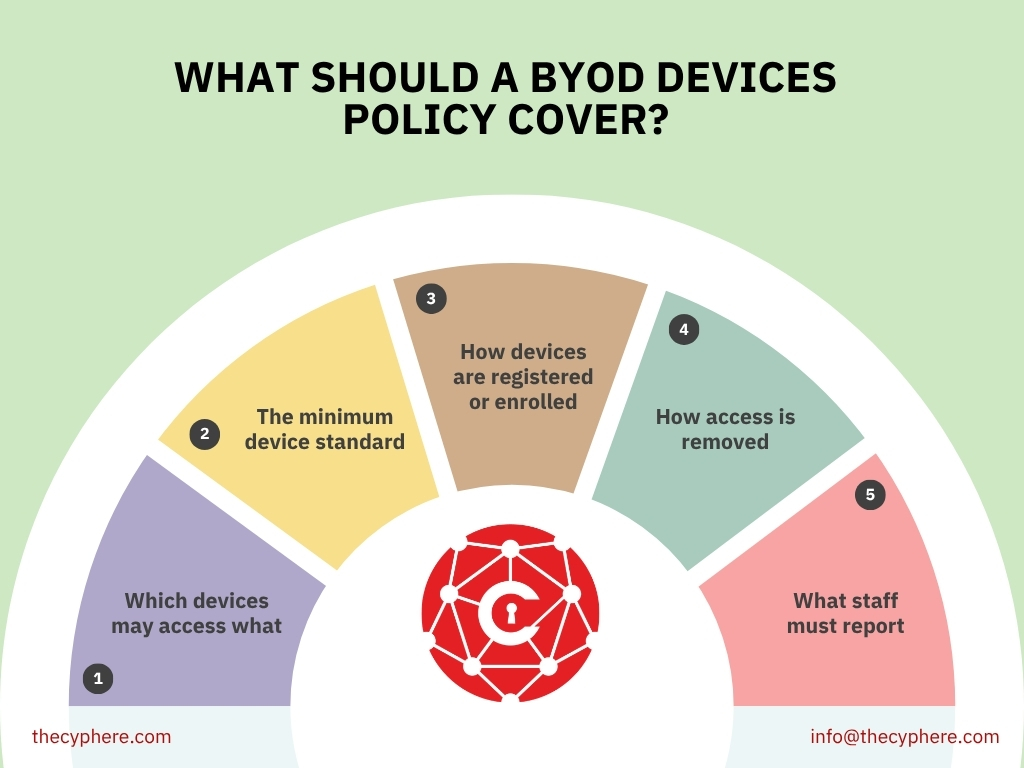
- Which devices may access what: for example, email and Teams on personal phones, but no finance systems from personal laptops.
- The minimum device standard: the table above, plus on phones apps from the official store only and no rooted or jailbroken devices.
- How devices are registered or enrolled, especially where staff use their own smartphones or other personally owned devices, and what management applies before they install apps for work and what the organisation can and cannot see.
- How access is removed when someone leaves or replaces a device.
- What staff must report: a lost device, a device that can no longer be updated, or any device on unsupported operating systems, which must not access work systems until remediated.
Home routers and home working
The NCSC’s default position in v3.3 is that every corporate or BYOD home and remote working device used for your organisation’s business is in scope. The router answer surprises people:
- If your organisation gave the home worker a router, that router is in scope too and must meet the same firewall requirements as an office firewall, which our requirements guide sets out.
- Every other router is out of scope, which includes the ISP box in the spare room, and any wireless access point that forms part of it.
Because most home routers are out of scope, a home worker’s laptop or desktop meets the firewall control with a software firewall on the device itself. v3.3 notes that most desktop and laptop operating systems come with one pre-installed and advises turning that on “in preference to a third-party firewall application”.
Where a home worker connects through a corporate VPN, one that connects back to your office or to a virtual or cloud firewall you administer, their internet boundary is your firewall rather than their home network.
What are the Cyber Essentials requirements (basic), and what happens at Cyber Essentials Plus level?
At the basic level, BYOD is covered through a self-assessment rather than hands-on testing. The question set asks about home workers and the devices in scope, and the assessor reads the self-assessment questionnaire against the rest of the submission, which is where the contradiction in the box above gets caught.
At Cyber Essentials Plus, the same five controls and technical requirements are assessed, but Plus verifies them independently through technical testing. A sampled personal laptop gets the same tests as a company laptop, over a remote screen share with the owner at the keyboard, and most often trips on account separation, because owners run their own machine as administrator. A sampled phone or tablet is checked for a supported, updated operating system and for allow listing.
BYOD also pushes the sample up. 42% of Cyber Essentials Plus assessment failures involve unmanaged BYOD, so readiness matters before sampling starts. The test specification ties the number of devices tested to “the amount of variation that exists as a result of the Applicant’s particular provisioning processes”, and personal devices have no standard build. Tell the owners before the audit is booked, so the device and the person are ready on the day.
When staff refuse: block access or supply a device
Some staff will not enrol a personal device, and they are entitled to say so. That leaves two honest options, and a written ban is not one of them: if people are still checking email on personal phones, those devices are in scope whatever the policy says.
The first is to block access technically. Conditional access or device compliance rules on your cloud services and the corporate network can refuse sign-ins or connections from unregistered or non-compliant devices, which makes a BYOD ban real.
The second is to shrink the BYOD footprint. Issuing company phones to the six people who genuinely need mobile email is often cheaper than managing sixty personal devices, and company-owned devices are simply easier to control. Company phones that allow some personal use (COPE, corporate-owned personally enabled) are still in scope, but you choose the model, the build and the update policy.
How Cyphere handles Bring Your Own Device (BYOD) in assessments?
We start every BYOD conversation by explaining the certification process and asking one question: who can read work email on something the company did not buy? The answer is usually larger than expected. Without MDM, we can still accept the evidence assessors expect, such as proof of device version, screen lock, supported software, patching, MFA, accounts, malware protection, firewalls where relevant, and software inventory, and that pre-assessment review helps spot missing security controls before submission. Talk to an IASME-licensed assessor
Cyber Essentials BYOD FAQs
Do we need mobile device management for Cyber Essentials?
No. MDM is not a scheme requirement and is only one way to enforce the technical controls on devices you do not own. It can also help manage software updates and device compliance on mobile devices used for work. Without it, a policy, a device register and spot checks can carry the evidence, but every device must still meet the controls.
Does Cyber Essentials require encryption on personal devices?
No. Encryption is not one of the NCSC’s Cyber Essentials requirements, so a personal device will not fail for lacking it, sensible as it is on any device that holds work data.
Does a virtual desktop take personal devices out of scope?
No. Virtual desktop infrastructure (VDI) keeps work data off the device, but v3.3 treats a user-interactive virtual desktop as an organisational service, so the personal device reaching it stays in scope and must meet the controls.
Does work email on a personal phone put the whole device in scope?
A mobile phone used for work email falls within the certification scope because it accesses the organisation’s data. What the organisation has to control and evidence on that device is the work-container question above. Even where only a managed work container is controlled, the mobile phone itself still has to meet the relevant Cyber Essentials controls. In any case, the device itself must meet the table above.
Do phones need antivirus for Cyber Essentials?
Not antivirus as such. Anti-malware software is only an option on Windows and macOS. On iOS devices, malware protection generally relies on platform restrictions and official App Store controls, while Android devices should have Google Play Protect enabled and should not use untrusted app sources. A rooted or jailbroken device cannot meet it.
Related Cyber Essentials guides
- Cyber Essentials scope: whole organisation, sub-sets and worked examples
- Cyber Essentials requirements: the five controls in detail
- Supported operating systems: what passes in 2026
- Cyber Essentials Plus requirements: how devices are sampled and tested
- Cyber Essentials Plus checklist
- April 2026 Danzell changes